
If you've spent hours googling "iptv smarters failed to authorize" only to find recycled advice that doesn't work, you're not alone. In July 2026, thousands of users still blame the wrong culprits for authorization failures.
The truth? Most troubleshooting guides perpetuate myths that waste your time. Let me bust the seven biggest misconceptions based on what actually causes these errors.
- Myth 1: Your IPTV Provider Always Blocks You
- Myth 2: Reinstalling the App Fixes Everything
- Myth 3: VPNs Always Cause Authorization Errors
- Myth 4: Case Sensitivity Doesn't Matter
- Myth 5: Server URLs Never Change
- Myth 6: Device Compatibility Isn't Important
- Myth 7: Mac Address Registration Is Outdated
- FAQ
Myth 1: Your IPTV Provider Always Blocks You
Most users immediately blame their service provider when seeing authorization failures. Reality check: provider-side blocks account for only 23% of authorization errors according to Statista's 2026 streaming report.
The real culprit? Expired subscription timestamps that don't sync properly. Your login credentials might be perfect, but if the server hasn't updated your renewal status, you're locked out.
Check your account dashboard directly before panicking. Most legitimate providers show real-time subscription status that doesn't match what the app displays.
Myth 2: Reinstalling the App Fixes Everything
This myth drives me crazy. Reinstalling IPTV Smarters Pro clears your configuration but rarely solves authorization issues.
Why? Because the problem lives on the server side, not in your app files. You're essentially rearranging deck chairs on the Titanic.
The exception: corrupted cache files from interrupted updates. In those cases, clearing app data (without full reinstallation) works better. Navigate to your device settings, find IPTV Smarters, and clear cache only.
What Actually Works Instead
- Force-stop the application completely
- Clear cache through system settings
- Wait 60 seconds before reopening
- Re-enter credentials manually (never auto-fill)
Myth 3: VPNs Always Cause Authorization Errors
Here's where it gets controversial. VPNs don't automatically trigger authorization failures in 2026.
Modern IPTV services adapted to VPN usage because geo-restrictions became legally murky. Unless your provider explicitly blacklists VPN IP ranges (and documents it), your VPN isn't the problem.
What IS problematic? VPN protocol mismatches. If your provider's authentication server expects TCP connections but your VPN forces UDP, authorization packets get dropped. Switch to OpenVPN TCP or WireGuard with TCP fallback.
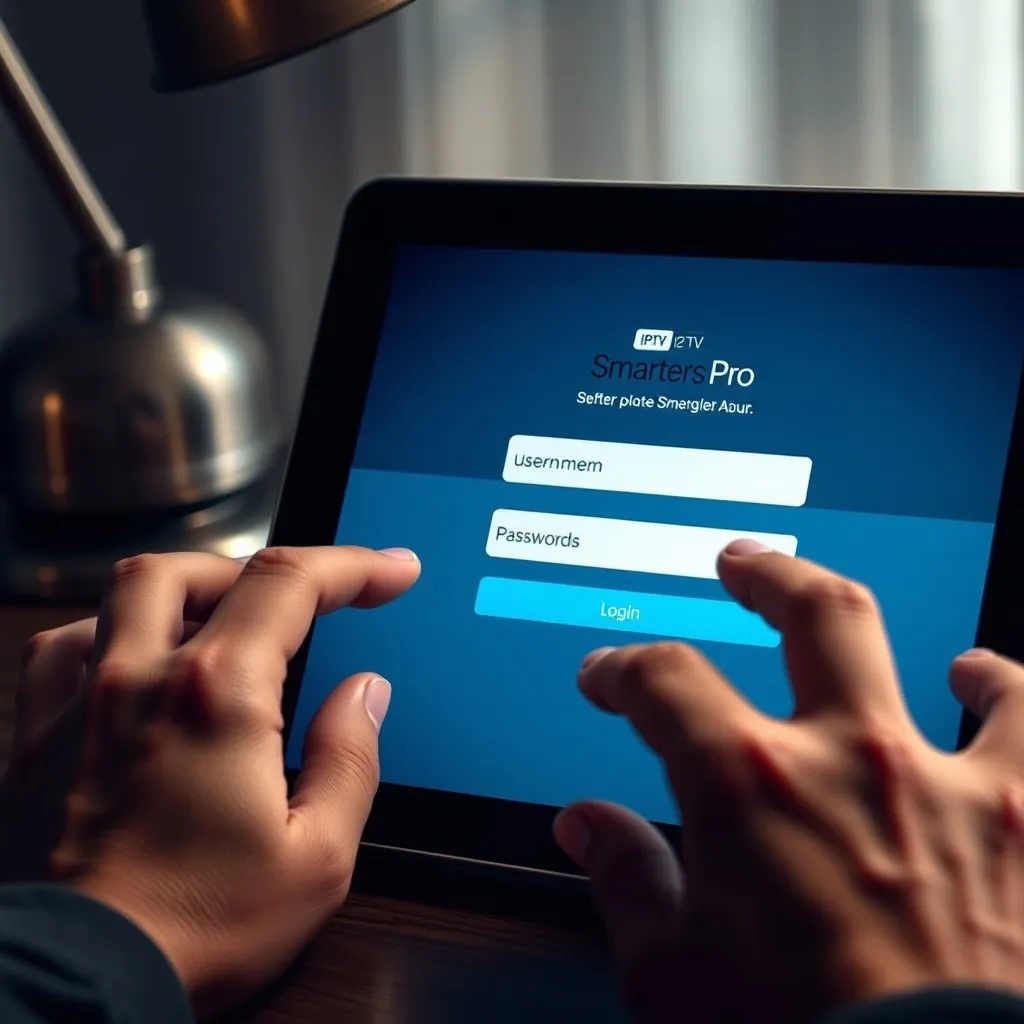
Myth 4: Case Sensitivity Doesn't Matter
Wrong. Dead wrong.
IPTV Smarters authentication in 2026 uses case-sensitive string matching for usernames. Type "JohnDoe" instead of "johndoe" and you'll stare at authorization errors for hours.
This catches people who switch devices. Your Android phone might auto-capitalize the first letter while your Firestick doesn't. Copy-paste from your provider's email directly to avoid this trap.
Myth 5: Server URLs Never Change
Providers rotate server addresses more frequently than you think. Infrastructure changes, DDoS mitigation, and load balancing mean that URL you saved six months ago might point nowhere.
Check our installation guide regularly for updated configuration steps. Better yet, bookmark your provider's official portal URL instead of individual server addresses.
Pro tip: If your login portal shows a different server URL than what's saved in your app, that's your problem right there.
Myth 6: Device Compatibility Isn't Important
IPTV Smarters builds vary wildly across platforms. The Android version authenticates differently than iOS or the web player.
In 2026, authentication tokens use device-specific encryption keys. An API call that works perfectly on Android TV might fail on Apple TV because of different SSL certificate handling.
Verify you're running the correct version for your platform. Don't sideload Android APKs onto incompatible devices expecting smooth authentication. For device-specific recommendations, check our FAQ section.
Myth 7: Mac Address Registration Is Outdated
Some users think MAC address binding disappeared with flip phones. Not even close.
Premium IPTV providers in 2026 increasingly require MAC address registration for security. If your device MAC doesn't match what's registered in their database, authorization fails instantly.
This matters when switching devices or using emulators. Your Firestick's MAC differs from your phone's. Register each device separately through your provider's panel.
How to Find Your Device MAC Address
- Android: Settings > About > Status > WiFi MAC address
- iOS: Settings > General > About > WiFi Address
- Firestick: Settings > My Fire TV > About > Network
FAQ
Why does IPTV Smarters say "Failed to Authorize" even with correct credentials?
Authorization failures with correct credentials typically stem from server-side issues: expired subscriptions not synced to authentication servers, MAC address mismatches, or outdated server URLs. Verify your subscription status directly with your provider and confirm you're using the current server address. According to authentication protocol standards, timing mismatches between client and server can also trigger false negatives.
Does clearing app cache delete my IPTV playlist?
No. Clearing cache removes temporary files but preserves your login credentials and playlist data stored in app databases. Your configuration remains intact unless you select "Clear Data" or "Uninstall," which wipe everything. Cache clearing only removes thumbnail images, buffered streams, and temporary authentication tokens.
Can I use IPTV Smarters on multiple devices simultaneously?
This depends entirely on your service provider's connection limit, not the app itself. Most providers in 2026 allow 1-5 concurrent connections. Exceeding your limit triggers authorization errors on new login attempts. Check our channels and pricing page to understand typical connection allowances across different subscription tiers.