If you've spent any time researching streaming apps in 2026, you've almost certainly come across IPTV Smarters. As someone who has tested dozens of IPTV players over the past few years, I can say this app remains one of the most reliable front-ends for managing IPTV subscriptions across Android, iOS, Firestick, and Smart TVs. In this guide, we'll break down exactly what IPTV Smarters is, how it works, and how to get the most out of it without running into buffering nightmares.
- What Is IPTV Smarters?
- Key Features That Make It Stand Out
- How to Set Up IPTV Smarters in 2026
- Choosing a Reliable IPTV Service
- Common Issues & Troubleshooting
- FAQ
What Is IPTV Smarters?
IPTV Smarters is a media player application designed to organize and stream Internet Protocol Television (IPTV) content using standard protocols like Xtream Codes API and M3U playlists. Unlike a provider itself, it acts as the interface between your subscription and your screen.
According to Wikipedia's overview of IPTV technology, internet-delivered television has grown into a mainstream alternative to traditional cable, and Smarters has ridden that wave by offering a clean, EPG-supported experience.
Key Features That Make It Stand Out
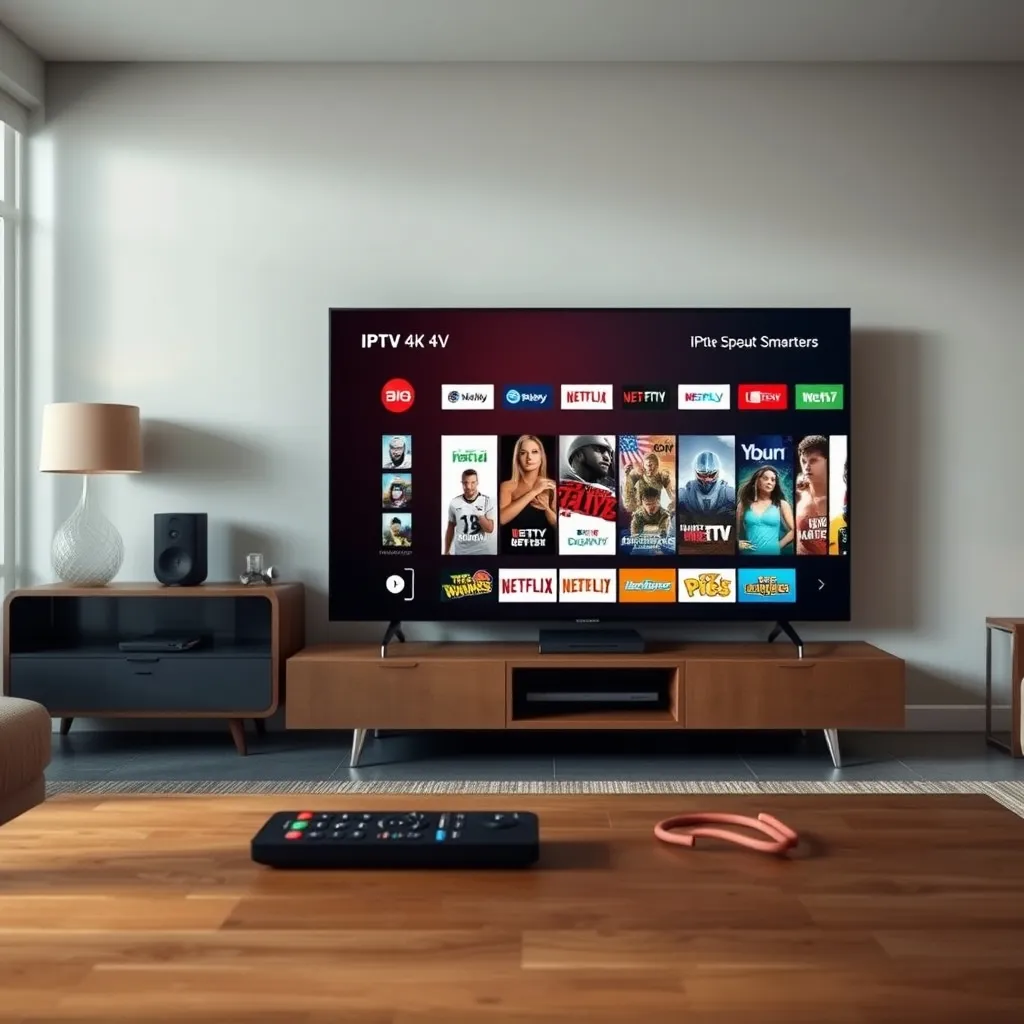
What separates IPTV Smarters Pro from generic players is its attention to usability. Over multiple updates in 2025 and 2026, the app has refined several core features.
- Electronic Program Guide (EPG) with 7-day forward listings
- Multi-screen support for parental profiles
- Catch-up TV and VOD library integration
- Support for both M3U URL and Xtream Codes login
- Adaptive bitrate streaming to reduce buffering
These features matter because streaming consumption continues to climb. Statista's streaming video data shows global on-demand and live streaming viewership hours have steadily increased year over year, pushing apps like Smarters to optimize for stability over flashy extras.
How to Set Up IPTV Smarters in 2026
Setup takes under ten minutes if you already have a subscription with playlist credentials. Here's the process I recommend to friends and clients alike.
- Download IPTV Smarters Pro from the official store or APK source
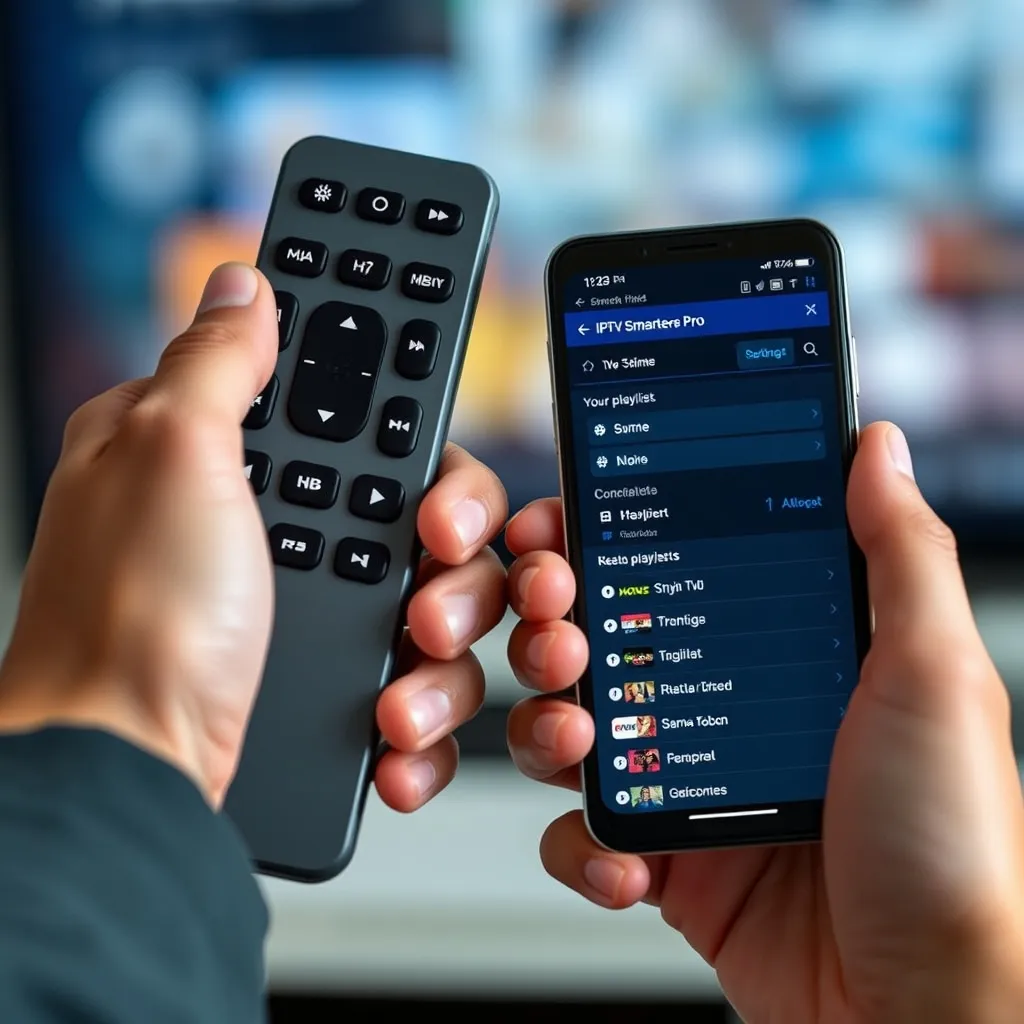
- Open the app and select "Login with Xtream Codes API" or "Load M3U URL"
- Enter your provider's server URL, username, and password
- Allow the EPG to sync fully before browsing channels
- Restart the app once if channels don't populate immediately
If you're unsure which provider to pair with the app, View our IPTV Pricing page for current 2026 packages that work seamlessly with Smarters.
Choosing a Reliable IPTV Service
The app itself is only half the equation—your streaming experience depends heavily on the backend provider. A poor server will cause freezing regardless of how good the player is.
Look for providers offering multiple server backups, low latency ping to your region, and responsive customer support. Our complete setup guide walks through server selection in more depth for beginners.
Common Issues & Troubleshooting
Even the most polished app runs into hiccups. Here are the most common problems users report and quick fixes.
- Buffering: Switch to a 5GHz Wi-Fi band or use ethernet
- EPG not loading: Clear app cache and re-sync
- Login errors: Double-check for expired subscription credentials
- App crashing on Firestick: Ensure firmware is updated to the latest version
FAQ
Is IPTV Smarters free to use?
The base app is free to download, but you need an active IPTV subscription with valid playlist credentials to stream channels.
Does IPTV Smarters work on Firestick and Android TV?
Yes, it's fully compatible with Firestick, Android TV, iOS, Windows, and most Smart TV operating systems as of 2026.
Why does IPTV Smarters keep buffering?
Buffering is usually caused by weak Wi-Fi signals, an overloaded provider server, or outdated app versions rather than an issue with the app's core code.