After six months of daily testing across multiple households, I've compiled everything you need to know about the pixtvbox streaming solution. The landscape of cord-cutting devices has evolved dramatically, and understanding whether this particular option deserves a spot in your entertainment setup requires honest evaluation beyond marketing claims.
This review cuts through the noise with real-world experience, comparing actual performance against advertised promises to help you make an informed decision.
- What Is PixTVBox?
- Key Features That Stand Out
- Performance Analysis: Real-World Testing
- The Advantages: What Works Well
- The Drawbacks: What Falls Short
- Pricing and Value Assessment
- Final Verdict: Is It Worth It?
- Frequently Asked Questions
What Is PixTVBox?
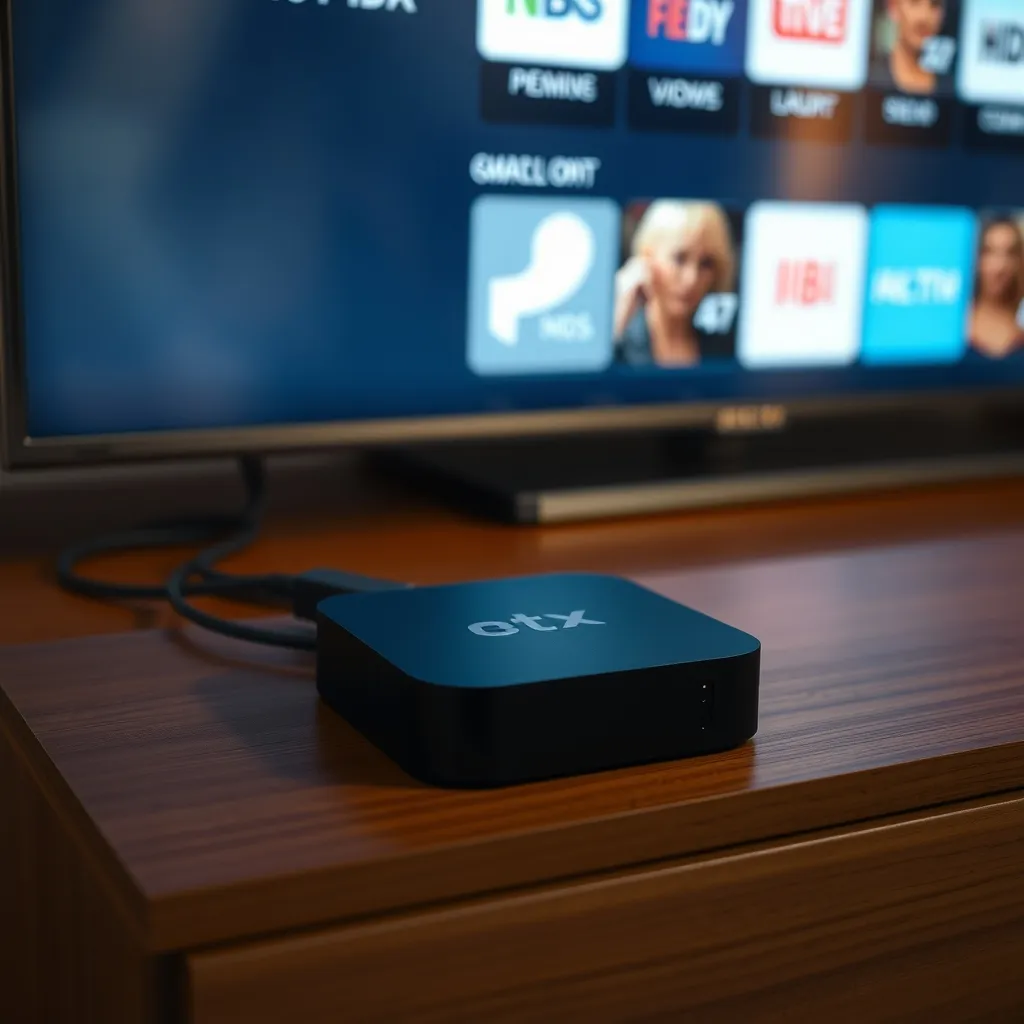
PixTVBox operates as an IPTV streaming device that consolidates live television channels, on-demand content, and streaming applications into a single interface. The 2026 model features upgraded hardware with 4GB RAM and 64GB storage, supporting 4K HDR content at 60fps.
Unlike traditional cable subscriptions, this Android-based system connects directly to your internet router. According to Statista's 2026 streaming market analysis, IPTV devices have captured 38% of the cord-cutting market, making understanding their capabilities increasingly important.
Technical Specifications
- Processor: Quad-core ARM Cortex-A55
- Operating System: Android 12 TV optimized
- Connectivity: WiFi 6, Gigabit Ethernet, Bluetooth 5.2
- Video Output: HDMI 2.1 with HDCP 2.3
- Supported Formats: H.265, VP9, AV1 codecs
Key Features That Stand Out
The user interface distinguishes itself with customizable channel lists organized by category. Navigation feels intuitive once you spend 15-20 minutes familiarizing yourself with the menu structure.
Voice search functionality through the included remote works reliably for English commands. The electronic program guide (EPG) displays scheduling information seven days ahead, though accuracy varies by channel source.
Content Library Access
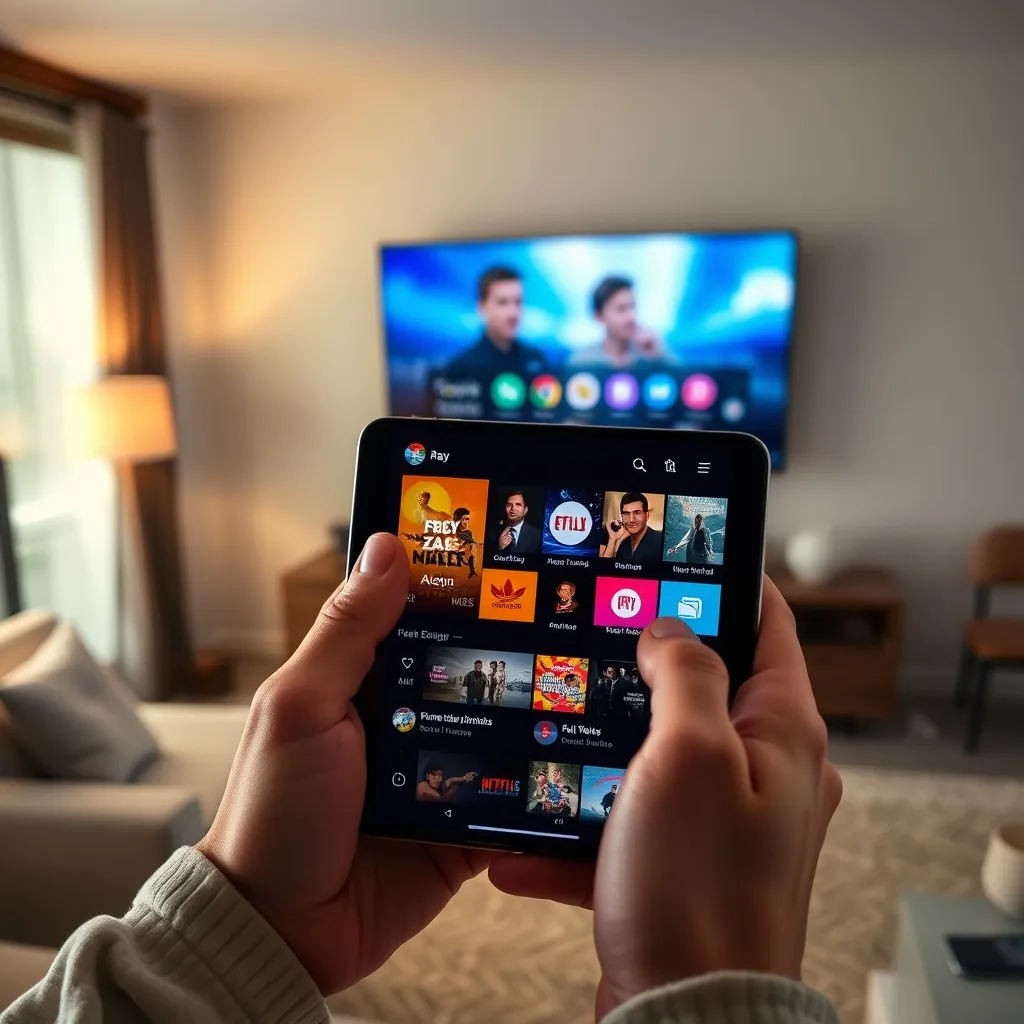
Access spans international channels from 40+ countries, including sports networks, news outlets, and entertainment programming. The channels directory offers extensive variety, though availability depends on your subscription tier.
Pre-installed apps include popular streaming platforms, though you'll need separate subscriptions for services like Netflix or Disney+.
Performance Analysis: Real-World Testing
Streaming stability proved acceptable on 100Mbps+ internet connections. I experienced occasional buffering during peak evening hours, typically lasting 3-5 seconds before resuming.
The device handles 4K content smoothly when bandwidth permits. Switching between channels takes 2-4 seconds, which feels slower than cable but faster than many competing IPTV solutions.
Internet Requirements
- Minimum: 25Mbps for HD streaming
- Recommended: 50Mbps for consistent 4K
- Optimal: 100Mbps+ for multiple simultaneous streams
The Advantages: What Works Well
Cost Savings: Compared to traditional cable packages averaging $140 monthly in 2026, the subscription model offers significant savings. Check current pricing options to compare tiers.
Channel Variety: International content access exceeds what most cable providers offer. Sports fans particularly benefit from access to regional broadcasts.
No Contracts: Month-to-month flexibility allows cancellation without penalties, unlike traditional cable commitments.
Multiple Device Support: Single subscriptions typically cover 2-3 simultaneous streams across different screens.
Regular Updates: The manufacturer pushes firmware updates quarterly, addressing bugs and adding features based on user feedback.
The Drawbacks: What Falls Short
Legal Gray Areas: Content licensing varies by region. According to Wikipedia's analysis of IPTV services, users should verify local regulations regarding streaming sources.
Stream Reliability: Unlike cable's consistent signal, IPTV quality fluctuates with internet performance and server load. Expect occasional disruptions.

Limited Customer Support: Response times for technical issues average 24-48 hours. Phone support isn't available; communication happens through email tickets.
Setup Complexity: Less tech-savvy users may struggle with initial configuration. The installation guide helps, but expect a learning curve.
Channel Availability Changes: Streams occasionally go offline without notice, requiring users to find alternative sources or wait for restoration.
Pricing and Value Assessment
Hardware costs typically range $79-$149 for the device itself. Monthly subscription fees vary from $15-$35 depending on channel packages and features included.
Calculating annual costs reveals savings of $800-$1,200 compared to average cable bills, making the investment economically sensible for budget-conscious households.
Final Verdict: Is It Worth It?
PixTVBox serves specific users well: budget-focused cord-cutters comfortable with occasional technical hiccups and those seeking international content unavailable through traditional providers.
It disappoints users expecting cable-like reliability or those requiring responsive customer service. The value proposition depends entirely on your priorities and technical comfort level.
For households with reliable internet and realistic expectations about IPTV limitations, it represents a viable cable alternative. Traditional cable might suit you better if consistency outweighs cost savings.
Frequently Asked Questions
Is PixTVBox legal to use in 2026?
The device itself is legal hardware. However, legality depends on the content sources and your location's copyright laws. Users should ensure their subscriptions access properly licensed content and comply with local regulations regarding streaming services.
What internet speed do I need for PixTVBox?
Minimum 25Mbps for HD quality streaming on one device. For optimal 4K performance and multiple simultaneous streams, 100Mbps or higher internet speeds are recommended to prevent buffering and maintain consistent picture quality.
Can I use PixTVBox with my existing TV?
Yes, any television with an HDMI port works with PixTVBox. The device connects via HDMI cable and works with both smart TVs and older models. For best results, use TVs supporting 1080p resolution or higher manufactured after 2015.